
How Do I Use Google Scholar?
Learn how to conduct literature searches, set up citation alerts, and export references using Google Scholar.
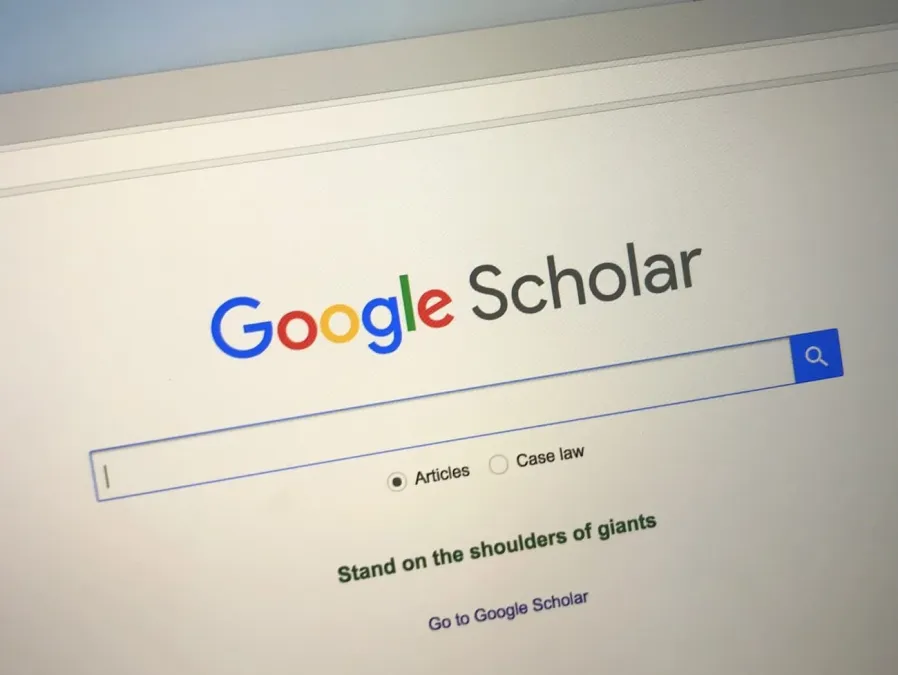
Finding reliable and reputable sources is essential in our world of academic research. Google Scholar, a freely accessible search engine, stands as an indispensable tool for researchers, students, and academics in their pursuit of scholarly literature.
In this discussion, we will delve into what Google Scholar entails and how to use it by exploring its features for effective academic endeavors.
What Exactly Is Google Scholar?
Google Scholar (GS) is a free and simple academic search engine specialized to help users discover scholarly articles, theses, books, conference papers, and patents spanning a multitude of disciplines. Although initiated by Google in 2004, Google Scholar isn't just another search engine; it's a platform that strives to simplify the online quest for credible academic information.
Google Scholar stands out from the typical Google search engine by focusing exclusively on academic and scholarly content. It scours through various sources, including publishers, universities, and scholarly websites, to provide a more specialized and in-depth search experience tailored to research and academic needs.
As a freely accessible search engine, it has emerged as an indispensable tool for researchers, students, and academics. Google Scholar allows you to search for scholarly literature across various disciplines, including articles, theses, books, and conference papers. Not just that, it provides a comprehensive and reliable database, helping you locate credible sources for your research.
Just like the native Google search engine, Google Scholar has a user-friendly interface with advanced search options that make it easier to narrow down the search and find relevant articles. Moreover, Google Scholar also provides citation information, enabling you to track down the key publications in a particular field and discover further resources. Let's take a look at some more features of Google Scholar.
How to Use Google Scholar Effectively
Accessing Google Scholar:
Simply visit Google Scholar with your web browser. Just like the main search engine, you don't need an account or login to use Google Scholar or its features.Basic Search:
You can input your keywords into the search bar, akin to a regular Google search. Google Scholar will respond by presenting a list of scholarly articles and other academic resources pertinent to your query.Advanced Search:
You can also use the advanced search option accessible through the menu icon (three horizontal lines) in the top left corner. This will allow you to refine your search by specific authors, journals, publication years, and more.Accessing Full Text:
Check the availability of full-text articles. While some articles may be directly accessible, others might need a subscription or purchase. Maybe you can leverage your institution's library resources to access paywalled content.Exporting Citations:
Google Scholar allows the export of citation information in various formats, simplifying the creation of bibliographies for research papers and projects.Setting up Alerts:
Stay informed about new publications in your field by clicking the "Create Alert" button. Tailor the frequency and types of updates to align with your preferences.
Features that Google Scholar Has
Diverse Database:
Google Scholar compiles scholarly material from a myriad of sources, including academic publishers, universities, and professional organizations. It spans a wide spectrum of disciplines, ranging from science and technology to medicine, social sciences, arts, and humanities.Citation Metrics:
A standout feature is the incorporation of citation metrics. With this, you can gauge the impact and influence of a specific article by noting how frequently it has been cited within the academic community.Alerts and Updates:
You have the option to craft personalized alerts on Google Scholar, ensuring you stay notified of new publications pertinent to your research interests. With this, you can remain current with the latest developments in your field as a researcher.Library Integration:
Google Scholar seamlessly integrates with university libraries, facilitating users' access to full-text articles available through institutional subscriptions. This integration significantly enhances accessibility to a diverse array of scholarly materials.
With Google Scholar's features you can streamline your research processes, and make sure you remain at the forefront of academic advancements. Google Scholar stands resilient as an invaluable companion for researchers navigating the scholarly world.